Copyright & Access Restriction
In the digital age, software and data are highly valuable assets. Understanding Intellectual Property (IP), professional ethics, and how to protect digital creations is essential for any software developer.
Learning Objectives
- 11.1.2.8 Explain the concepts of intellectual property, copyright, and patents.
- 11.1.2.9 Discuss professional ethics and methods of access restriction (DRM).
Expert Explanation: Moral & Ethical Issues
Conceptual Anchor
Law vs. Ethics
Law (Copyright/Piracy) is what you must do. If you break the law, you can be fined or jailed.
Ethics (Plagiarism/Code of Conduct) is what you should do. If you break ethical rules, you might not go to jail, but you could lose your job, your reputation, or cause harm to society.
Rules & Theory
Intellectual Property (IP)
Intellectual property refers to creations of the mind. In software engineering, protecting these creations is critical.
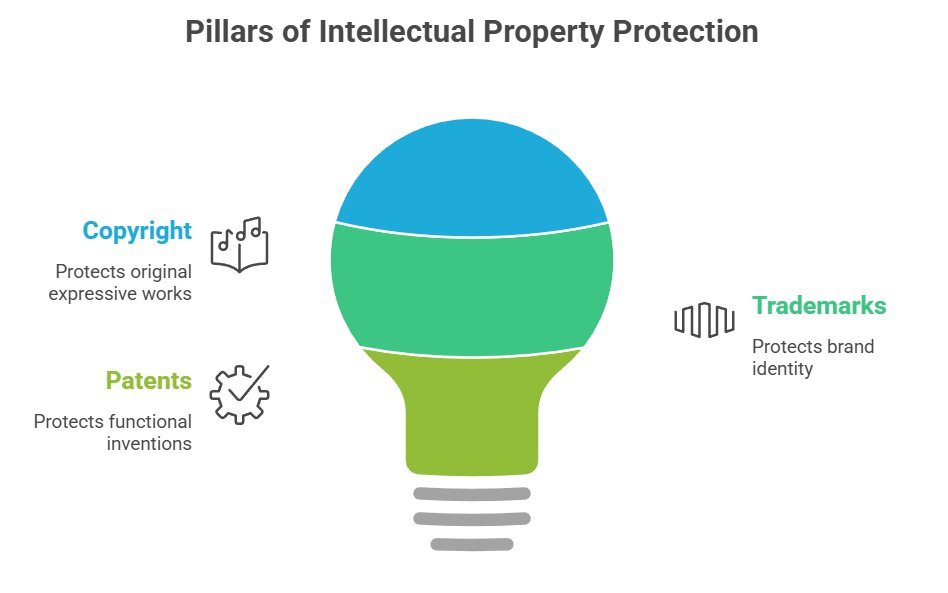
Copyright (©)
Protects the expression of an idea (e.g., source code, UI design, music). It is applied automatically as soon as the work is created.
Patent (®)
Protects an invention or functional idea (e.g., a specific compression algorithm). Requires formal registration and is very expensive.
Trademark (™)
Protects brand identity (e.g., the Apple logo, the name "Microsoft Windows").
Plagiarism vs. Piracy
| Concept | Definition | Example |
|---|---|---|
| Plagiarism | Taking someone else's work or ideas and passing them off as your own without proper citation. (Ethical violation) | Copying code from StackOverflow for a school project and claiming you wrote it yourself. |
| Piracy | The unauthorized copying, distribution, or use of copyrighted software. (Legal violation) | Downloading a cracked version of a paid video editor from a torrent site. |
Access Restriction & Protection
To combat piracy, software developers use technical measures to restrict unauthorized access:
- Digital Rights Management (DRM): Technologies that restrict the use, modification, and distribution of copyrighted works (e.g., Netflix encrypting its video streams, or Steam tying games to your account).
- Product Keys: A specific alphanumeric code needed to activate a program, verifying a legitimate purchase.
- Hardware Dongles: A physical USB device that must be plugged into the computer to run the software (often used for very expensive professional software).
Professional Ethics (ACM/IEEE)
The ACM/IEEE Software Engineering Code of Ethics outlines the moral obligations of IT professionals.
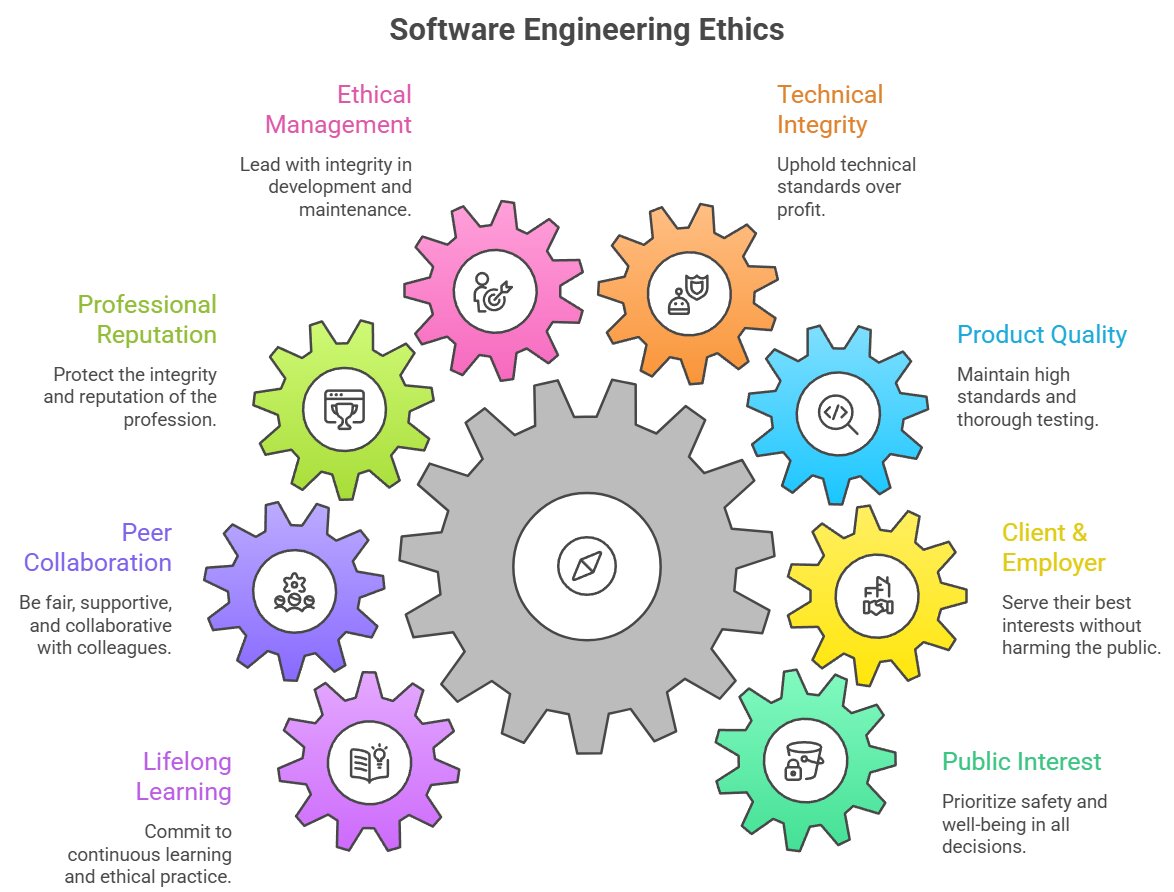
- Public: Software engineers shall act consistently with the public interest (e.g., refusing to write malware or ensuring autonomous car code is safe).
- Client and Employer: Act in a manner that is in the best interests of their client and employer, provided it doesn't harm the public.
- Product: Ensure that products and modifications meet the highest professional standards.
Worked Examples
1 Scenario: The Departing Programmer
Scenario: Alice works for a tech company writing a sorting algorithm. She quits her job and takes the exact code to her new company to use it there.
Analysis: Alice is committing software piracy and violating copyright laws. Unless explicitly stated otherwise in her contract, the code written on company time belongs to the employer, not the individual programmer.
2 Scenario: Identifying IP Types
A new smartphone game has been released. How is it protected?
- The title of the game (e.g., "Angry Birds"): Trademark
- The actual Python/C++ code of the game: Copyright
- A revolutionary new method the developers invented for rendering 3D graphics: Patent
Tasks
What is the main difference between Copyright and a Patent?
Explain how DRM (Digital Rights Management) helps software companies protect their Intellectual Property. Give one real-world example.
A student downloads a copyrighted software for free, uses it for a school project, and copies a large chunk of code from GitHub without referencing the author. Discuss the legal and ethical implications of these actions.
Self-Check Quiz
Q1: Which type of intellectual property automatically protects source code as soon as it is written?
Q2: What is the main difference between plagiarism and piracy?
Q3: According to the ACM/IEEE Code of Ethics, what should always be a software engineer's primary concern?