Software Categories
Every program on a computer falls into a category. Understanding the difference between system software and application software — and how to choose the right tool — is the foundation of computer literacy.
Learning Objectives
- 11.3.1.1 Classify software
- 11.3.1.2 Describe the purpose of the OS, utilities, libraries, translators
- 11.3.1.3 Describe the purpose of applications of subcategories: general purpose, special purpose, bespoke
- 11.3.1.4 Justify the choice of software for the implementation of a new system
Conceptual Anchor
The Building Analogy
Think of a computer as a building. The system software is the foundation, walls, plumbing, and electricity — the infrastructure that makes the building work. The application software is the furniture, decorations, and appliances — the things you actually use inside the building. Without the infrastructure, nothing works; but the infrastructure alone isn't useful without the applications.
Rules & Theory
STRICT RULE: DO NOT USE BRAND NAMES
When answering exam questions, writing justifications, or classifying software, never use brand names.
- Incorrect: I will use Microsoft Word and Google Chrome.
- Correct: I will use a word processor and a web browser.
Two Main Categories of Software
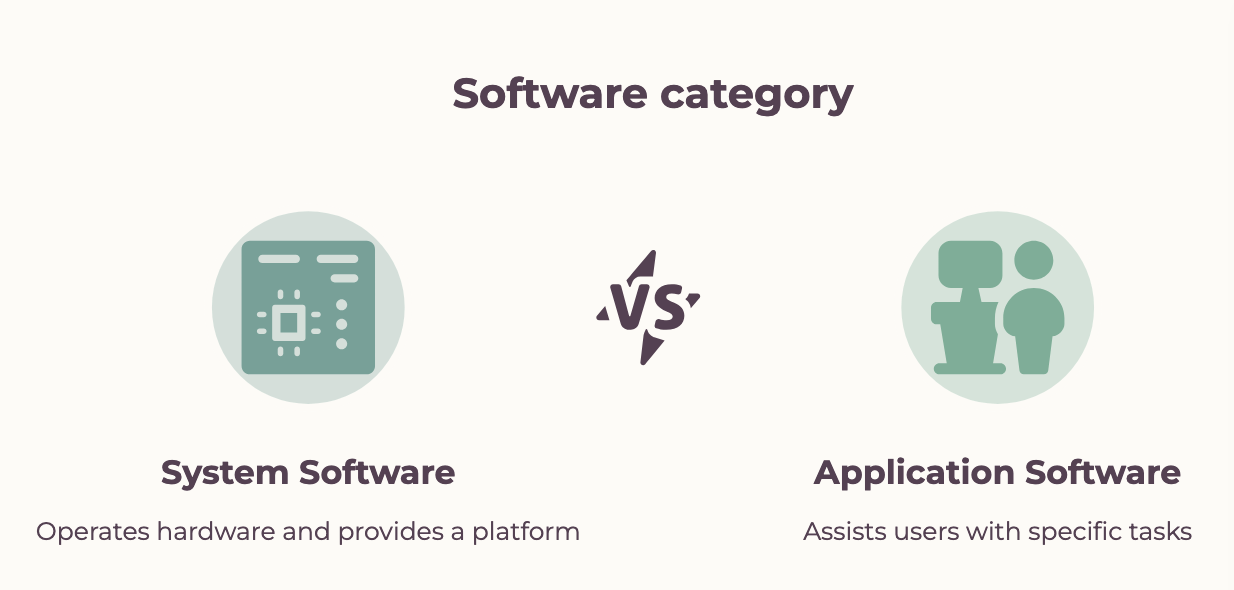
| Feature | System Software | Application Software |
|---|---|---|
| Purpose | Manages hardware, provides platform | Performs specific user tasks |
| Examples (Generic) | Operating system, device drivers | Word processor, spreadsheet, web browser |
| User interaction | Often runs in background | Directly used by the user |
| Dependency | Runs independently | Requires system software to run |
| Installation | Usually pre-installed | Installed by the user |
Types of System Software
| Type | Description | Generic Example |
|---|---|---|
| Operating System (OS) | Manages all hardware and software resources, providing a user interface. | Desktop OS, Mobile OS |
| Utility Programs | Maintain, configure, and optimise the computer system. | Disk defragmenter, antivirus, file compression tools |
| Library Programs | Pre-written, pre-tested collections of resources and code modules used by other programs to perform common tasks. | Math libraries, GUI libraries (e.g., DLL files) |
| Translators | Convert human-readable source code into executable machine code (binary). | Compiler, Interpreter, Assembler |
| Device Drivers | Allow the OS to communicate directly with hardware peripherals. | Printer driver, GPU driver |
Application Software Subcategories
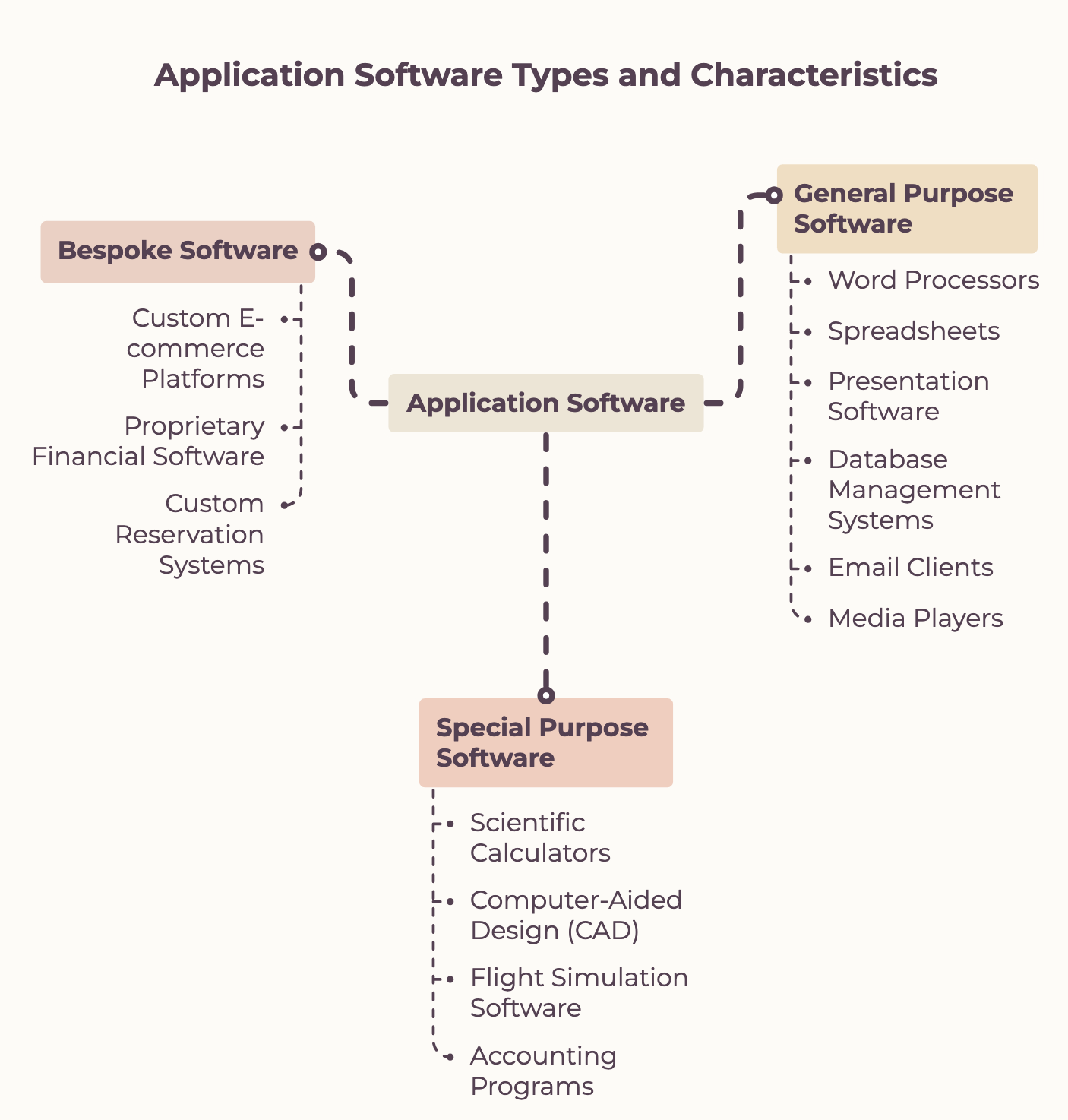
Application software is divided into three major subcategories based on target audience and task specificity.
| Category | Purpose | Advantages | Disadvantages |
|---|---|---|---|
| General-Purpose | Designed to perform multiple generic functions for a wide audience. Not limited to any specific profession. | Versatile, widely available, cost-effective, well-documented. | May lack specialized features needed for highly technical tasks. |
| Special-Purpose | Developed to perform a specific task or set of tasks for a particular industry or need. | Highly efficient and tailored for complex specific tasks. | Limited functionality outside its intended scope, less flexible. |
| Bespoke (Custom) | Custom-made software written entirely from scratch to meet the exact, unique requirements of a specific organization. | Perfectly suited to specific organizational needs, provides a competitive edge. | Extremely high development cost, long development time, relies on specific developers for support. |
Deep Dive: Classifying Real-World Scenarios
To master classification, analyze how the software is used and who it is built for.
| Scenario Description | Subcategory | Justification |
|---|---|---|
| Software allowing users to create, edit, and format text documents with spell check and word count. | General-Purpose | It is a generic Word Processor used by students, professionals, and home users for countless different tasks. |
| Software designed for medical professionals to view, analyze, and manage patient MRI and X-ray images, with precise measurement tools. | Special-Purpose | It is Medical Imaging Software. It performs a highly specific task but can be purchased by any hospital. |
| Software custom-built for a specific large international logistics company to track its unique fleet routes and optimize delivery times. | Bespoke | It is a Custom Fleet Management System built from scratch because no off-the-shelf software matches their unique operational needs. |
| Software used by schools to manage student information, track attendance, and generate report cards. | Special-Purpose | It is School Management Software designed strictly for educational administration. |
| Software built exclusively to automate the unique legal case file workflows and client communications of one specific law firm. | Bespoke | It is a Custom Workflow Automation Tool tailored strictly to one firm's proprietary legal processes. |
| Software helping meteorologists predict weather patterns by analyzing satellite and radar data. | Special-Purpose | It is Weather Prediction Software. It is useless for generic tasks but essential for this specific scientific field. |
Criteria for Choosing Software
| Criterion | What to consider |
|---|---|
| Functionality | Does the software provide the exact tools and features required to solve the problem? |
| Compatibility | Does it run on your current Operating System (OS) and hardware architecture? |
| Cost | Is it free, a one-time purchase, or a recurring subscription? Does it fit the budget? |
| Ease of use | Is the interface intuitive? Will staff require extensive, expensive training to use it? |
| Support | Is there technical documentation, an active community, or official vendor support available? |
| Security | Does the software receive regular patches and updates? Does it comply with data protection laws? |
| Scalability | Will the software still function effectively if the company grows from 50 to 5,000 employees? |
Worked Examples
1 Classify the Following Software
| Software | System or Application? | Reasoning |
|---|---|---|
| Operating System | System (OS) | Manages hardware, provides platform for other apps |
| Web Browser | Application (General) | Used by the user for a specific generic task — browsing the web |
| GPU Driver | System (Driver) | Enables hardware-to-OS communication in the background |
| Disk Defragmenter | System (Utility) | Maintains and optimizes system performance |
| Spreadsheet software | Application (General) | Specific task — data analysis and calculations for any user |
2 Software Choice Justification
Scenario: A school needs a presentation tool for 500 students.
Option A: Proprietary offline presentation software (paid, local installation)
Option B: Cloud-based presentation software (free, browser-based, collaborative)

Decision: Cloud-based presentation software ✓
Reasoning:
  ✓ Cost      — Free for educational institutions
  ✓ Access    — Works on any device with a browser, improving accessibility
  ✓ Sharing   — Real-time collaboration allows students to work on group projects
  ✓ Support   — Extensive online documentation and community forums
  ✗ Offline   — Relies on internet connection, but school infrastructure supports this
Common Pitfalls
Utilities = Application Software
Utilities like antivirus and disk defragmenter are system software, not application software. They maintain the system itself rather than helping users perform personal tasks.
Firmware = Regular Software
Firmware is permanently stored on hardware chips (ROM/flash memory). It's not installed like regular software — it's embedded during manufacturing and rarely updated.
Tasks
List 4 types of system software and explain the specific role of translators.
System software is used to ________________________________, while application software is used to ________________________________.
A student wants to type an essay, save it, and print it. Name one piece of application software and one piece of system software required for this process. (Remember: DO NOT USE BRAND NAMES).
A hospital needs software to manage patient records and an architect needs software to render 3D house models. Classify both software types (General, Special, or Bespoke) and justify your answers based on functionality and target audience.
Self-Check Quiz
Q1: What is the difference between system software and application software?
Q2: What is the purpose of library programs?
Q3: Why would a company choose Bespoke software over General-Purpose software?